
- How to Spend Down an FSA in 2026: Step-by-Step
- Start with an FSA deadline checklist
- 1. Confirm the plan’s carryover or grace-period rule
- 2. Reconcile the portal instead of trusting one balance number
- 3. Spend the balance in the right order
- 4. Submit and track every claim
- 5. Set a more realistic amount for the next plan year
- Your next three actions
How to Spend Down an FSA in 2026: Step-by-Step
If money remains in a flexible spending account, check two dates before buying anything: the last day an eligible expense can be incurred and the last day a claim can be submitted. Those dates may differ, and the rules come from the employer’s plan.
This guide helps confirm the FSA rules that apply in 2026, reconcile the balance shown in the portal, prioritize expenses already needed, and keep the documentation required for reimbursement. The goal is not to shop until the account reaches zero. It is to use the money on expenses that qualify before the plan’s deadline.
Start with an FSA deadline checklist

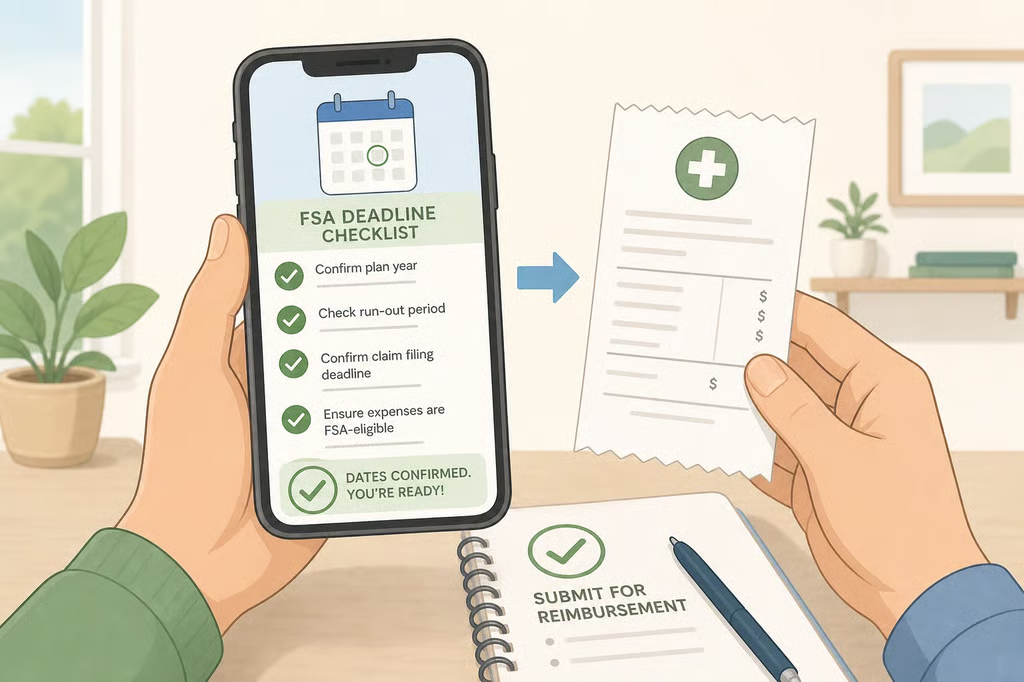
Before making a purchase or scheduling care, record these details from the plan document, benefits portal, or FSA administrator:
Check What to record Plan year The dates covered by the employer’s FSA Spending deadline The last date an eligible expense may be incurred Claims deadline The last date receipts or claims may be submitted Available balance The amount shown after approved and pending activity Carryover or grace period The option the plan offers, if any Expenses already incurred Eligible costs that still need to be claimed Next eligible step A needed appointment, purchase, or reimbursement
The distinction between incurring an expense and submitting a claim matters. A plan may require care or a purchase by the end of the plan year, then allow additional time to submit documentation. A grace period is different because it may allow eligible expenses to be incurred during a limited period after the plan year ends. IRS Notice 2013-71 describes permitted FSA arrangements.
Write down the deadline instead of relying on a general calendar reminder. The employer’s plan controls the dates and procedures for the individual account.
1. Confirm the plan’s carryover or grace-period rule
Read the plan summary before assuming unused money will move forward. An employer may offer a health FSA with no carryover or grace period, a grace period, or a limited carryover. The employer chooses the design permitted under federal rules, and a plan does not automatically include an option because another employer offers it.
The practical differences are:
- No carryover or grace period: Eligible expenses generally must be incurred during the plan year. Unused funds may be forfeited under the plan terms.
- Grace period: The plan may allow eligible expenses to be incurred for a limited time after the plan year ends. The plan materials should state the final date.
- Carryover: The plan may allow part of an unused balance to move into the next plan year, subject to the plan’s terms and the applicable limit.
Do not assume that a carryover and a grace period can both apply to the same health FSA. The plan document should identify which arrangement it uses. If the language is difficult to interpret, ask HR or the administrator:
What is the last date an eligible expense can be incurred, and what is the last date a claim can be submitted?
Ask separately whether the plan has a carryover or grace period. Those details may appear in different sections of the benefits materials.
The IRS guidance explains the permitted arrangements. The employer’s plan controls the dates and procedures for an individual account. General background from EBRI and SHRM can help explain workplace benefits, but neither organization’s homepage replaces the plan document.
2. Reconcile the portal instead of trusting one balance number

Log in to the FSA administrator’s website or app and review the account line by line. Write down the displayed balance, but treat it as a starting point rather than the complete answer.
Check for:
- approved reimbursements that have not yet been paid;
- claims still under review;
- debit-card purchases waiting for receipts or other documentation;
- denied or paused claims;
- eligible expenses already incurred but not yet submitted;
- a carryover amount from the prior plan year;
- a grace-period balance, if the plan provides one.
A portal’s “available balance” may not show every amount that can still be claimed. An expense already incurred may be eligible even if it has not yet been submitted. A debit-card transaction may also require documentation before the administrator treats it as fully substantiated.
Record four separate numbers or categories:
- Displayed balance: What the portal says is available.
- Pending activity: Claims, purchases, or reimbursements still being reviewed.
- Unsubmitted expenses: Eligible costs already incurred but not yet claimed.
- Protected amount: Any carryover or grace-period amount identified by the plan.
A health FSA may cover eligible expenses for the employee, spouse, and qualifying dependents. Do not assume every household member qualifies, however. Eligibility for a domestic partner or another person in the household can depend on the applicable rules and the plan’s definition of an eligible person. Ask the administrator before submitting an expense for someone outside the usual categories.
HealthCare.gov’s FSA guidance is a useful general reference, but the administrator’s instructions determine how claims must be filed and supported.
3. Spend the balance in the right order
The most practical way to use an FSA is to work from expenses that are already real and easiest to document:
- Submit eligible expenses already incurred.
- Pay for known care before the spending deadline.
- Replace needed glasses, contacts, or approved supplies.
- Consider less obvious items only after the administrator confirms eligibility.
This order reduces the chance of buying something questionable simply because the balance is available.
Start with expenses already incurred
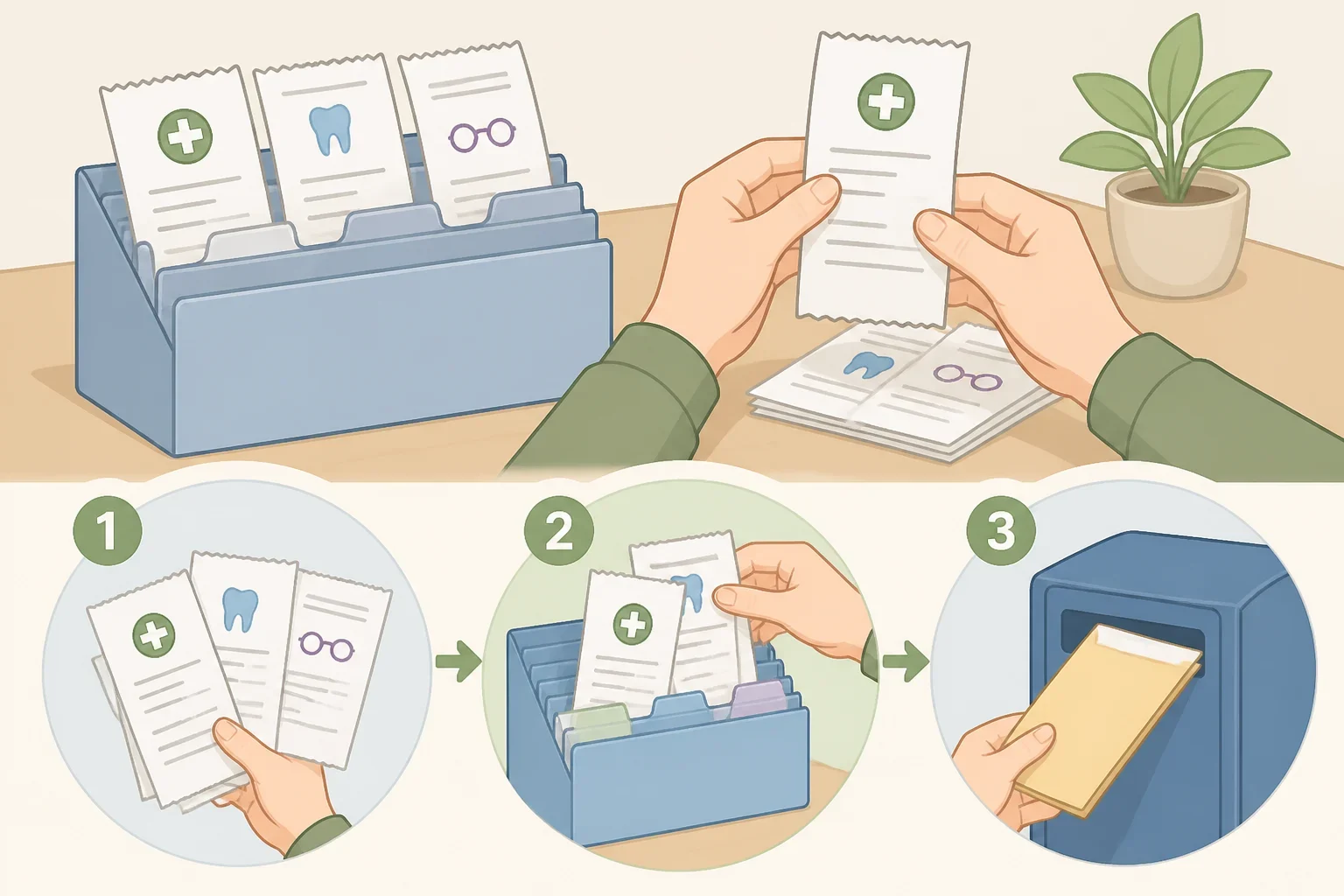
Review recent medical, dental, and vision receipts. Look for care that has already taken place but has not yet been submitted, including:
- dental care;
- eye exams;
- prescription glasses;
- contact lenses;
- eligible prescription or over-the-counter medication;
- recurring medical visits or treatment.
An expense generally must be incurred according to the plan’s rules. Booking an appointment before the deadline does not necessarily make a later appointment eligible if the plan requires the service to take place by a particular date.
Submit claims promptly. Waiting until the final day leaves less time to correct a missing receipt, respond to a documentation request, or appeal a denial.
Schedule known care, not unnecessary care
Next, look at care the household already expects to need before the deadline. A dental cleaning, eye exam, replacement eyewear, or recurring treatment may be a sensible use of the balance when it fits the plan’s timing and the provider’s availability.
An FSA balance is not a reason to schedule unnecessary treatment. If an appointment cannot occur before the spending deadline, check whether the plan’s grace period changes the answer. Do not rely on the booking date alone.
Check common items before buying
Some expenses are commonly eligible, but the exact item and documentation still matter. Prescription glasses, contact lenses, and certain medications may be simpler to substantiate than a general wellness product.
The IRS Publication 502 medical and dental expense list can help identify qualifying categories, but an item’s appearance on a general list does not guarantee that the administrator will approve a specific purchase. Before buying orthotics, compression socks, a home blood-pressure monitor, or another less obvious item, ask:
- Is this exact item eligible?
- Is a prescription or letter of medical necessity required?
- Must the receipt identify the product?
- Does the administrator require a provider statement?
- Does the item need to be purchased before the spending deadline?
Get a letter of medical necessity before the purchase when the administrator requires one. Do not assume it can be supplied later or that a general medical concern is enough.
Do not buy items just to empty the account. A purchase that is not reimbursable will not become eligible because it was made in good faith.
4. Submit and track every claim

After receiving care or buying an eligible item, submit the claim instead of letting the paperwork pile up. Save the itemized receipt and any supporting document in one folder.
Before submitting, check that the record identifies:
- the date of service or purchase;
- the provider or retailer;
- the item or service;
- the amount paid;
- the person who received the care, when required;
- any prescription or medical-necessity information requested by the plan.
A credit-card statement may show that money was spent, but it may not identify the expense well enough for approval. Keep the itemized receipt, even when the purchase was made with an FSA debit card.
A denied claim is not necessarily the end of the process. Read the denial reason and check whether the plan allows a correction, additional documentation, or an appeal. Use the administrator’s claim status to confirm whether the expense is pending, approved, paid, or denied.
5. Set a more realistic amount for the next plan year
The better long-term fix is to use this year’s spending review when making the next election. Look back over the previous 12 months of medical, dental, and vision expenses, including:
- recurring prescriptions;
- regular appointments;
- planned dental work;
- contact lenses or glasses;
- predictable treatment;
- expenses for eligible family members.
That history is a starting point, not a promise. Medical needs and costs can change, so avoid contributing the maximum simply because the option is available. An amount matched to known household expenses is easier to use than one chosen from guesswork.
FSA elections are generally made for the plan year. A marriage, birth or adoption, or employment change may permit an election change in some circumstances, but the event must qualify, the timing must fit the applicable rules, and the employer’s plan must allow the corresponding change. Check with HR before assuming an event lets you change any part of the election.
During enrollment, compare the proposed contribution with expenses the household can reasonably document. Predictable costs such as orthodontia, contact lenses, or regular treatment may make the amount easier to estimate. Verify the 2027 plan’s limits and deadlines before finalizing the election.
Your next three actions
- Open the FSA portal and record the displayed balance, pending activity, spending deadline, and claims deadline.
- Read the plan rule to confirm whether the account has a carryover or grace period, then submit expenses already incurred before buying anything new.
- Choose one needed, clearly documented expense that can occur before the deadline, and save its itemized receipt.
The employer’s plan terms, as permitted by applicable IRS rules, determine what happens to unused FSA funds. Check the dates tied to the 2026 plan, reconcile more than one portal number, and use the balance for expenses the household already needs rather than rushing into an uncertain purchase.
